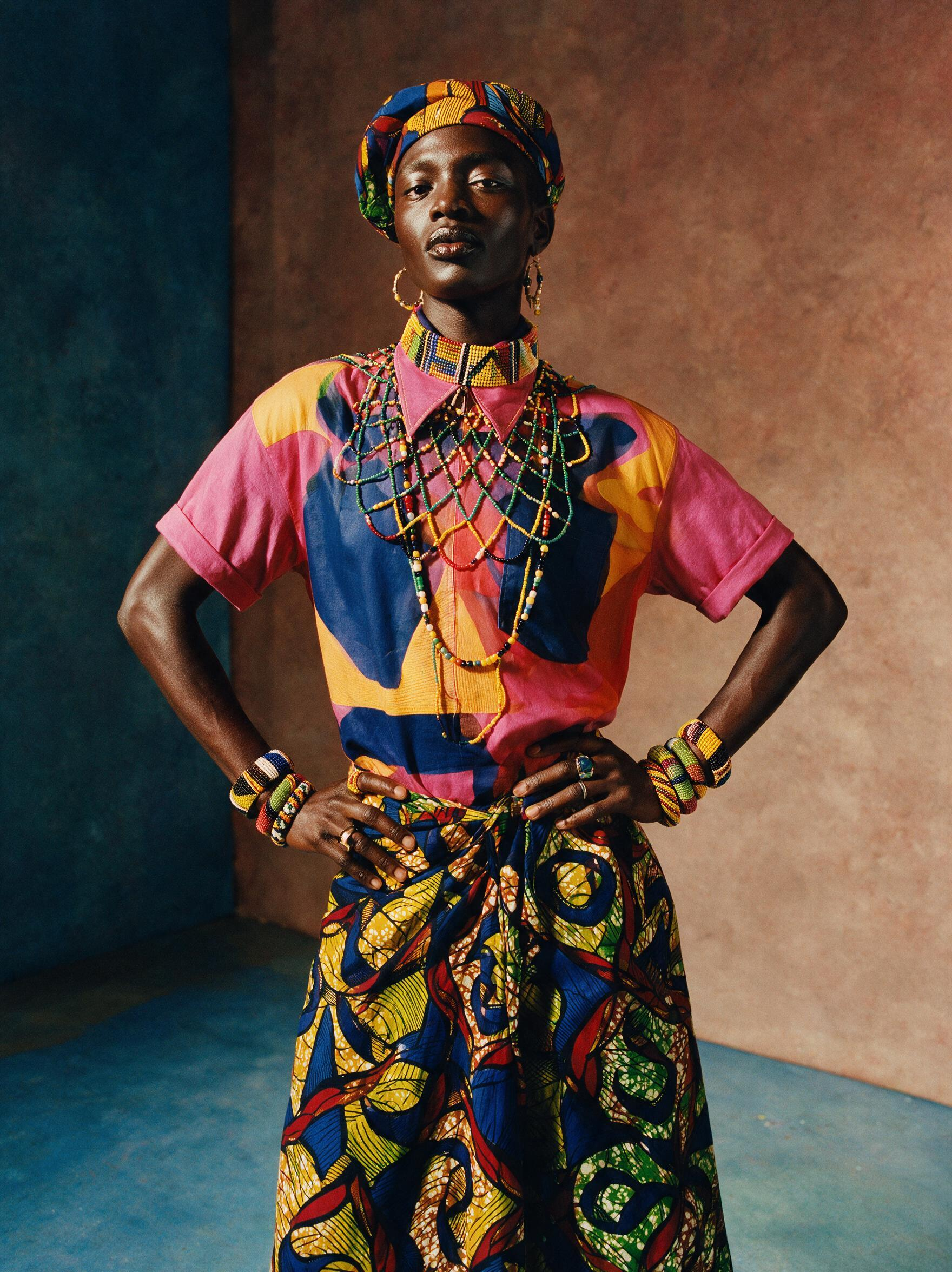


OpenAI's image model for detailed compositions and precise edits. Generate and edit images from text and image inputs, with a complexity setting that controls how much the model plans before it renders.
Frequently asked questions
What is GPT Image 2.6 Sunburst?
GPT Image 2.6 Sunburst is OpenAI's precision image generation model released on November 4, 2026. It supports text-to-image and image-to-image workflows, offering a complexity setting to control composition planning, five quality tiers, and output up to 3840×2160 resolution. It is available on the CRAISEE platform for demanding creative and editing tasks.
What does the complexity setting do in GPT Image 2.6 Sunburst?
The complexity setting (low, medium, or high) controls how much the model plans the composition before rendering. A higher complexity level produces more precise, well-structured layouts at the cost of longer generation time, while a lower setting prioritizes speed. This gives users direct control over the trade-off between layout accuracy and rendering performance.
What image sizes and aspect ratios does GPT Image 2.6 Sunburst support?
GPT Image 2.6 Sunburst supports standard aspect ratios including 1:1, 16:9, 9:16, 4:3, 3:4, 3:2, and 2:3, as well as explicit pixel dimensions up to 3840×2160. Resolutions above 2560×1440 are currently experimental. This broad size support makes it suitable for social media, print, video thumbnails, and other professional formats.
How many reference images can I use with GPT Image 2.6 Sunburst on CRAISEE?
On CRAISEE, GPT Image 2.6 Sunburst supports up to 16 reference images as input in a single request. This multi-image capability allows users to combine, edit, or reinterpret multiple visual sources simultaneously using a text instruction, making it powerful for complex compositing and style-transfer workflows.
What quality tiers are available in GPT Image 2.6 Sunburst?
GPT Image 2.6 Sunburst offers five quality tiers: low, medium, high, xhigh, and max. These tiers let users match rendering detail to their workflow stage — from fast, low-fidelity drafts for rapid iteration to max-quality outputs suitable for print-ready or production-level deliverables, balancing speed and visual fidelity as needed.
What output formats does GPT Image 2.6 Sunburst support?
GPT Image 2.6 Sunburst can export images as PNG, JPEG, or WebP, with adjustable compression settings. It also supports transparent backgrounds by setting the background parameter to 'transparent', delivering a PNG with a clean alpha channel that is ready for compositing in design tools or production pipelines.
How does GPT Image 2.6 Sunburst compare to other OpenAI image models?
GPT Image 2.6 Sunburst is positioned as OpenAI's precision-focused image model, optimized for detailed compositions, dense text rendering, and faithful multi-step editing. On CRAISEE, it is the recommended model when layout accuracy and edit fidelity are critical, distinguishing it from faster or more general-purpose image generation alternatives.
Can GPT Image 2.6 Sunburst generate multiple images at once?
Yes, GPT Image 2.6 Sunburst supports batch generation of up to 10 images in a single API request. This makes it efficient for workflows that require multiple variations of a prompt, A/B testing visual concepts, or producing a set of assets simultaneously without submitting repeated individual requests.